How to Use AI Small Business Google Ads Campaigns (That Actually Convert)
Learn how to use AI tools like ChatGPT and Gemini 2.5 Flash to create, optimize, and personalize your Google Ads campaigns for better ROI.

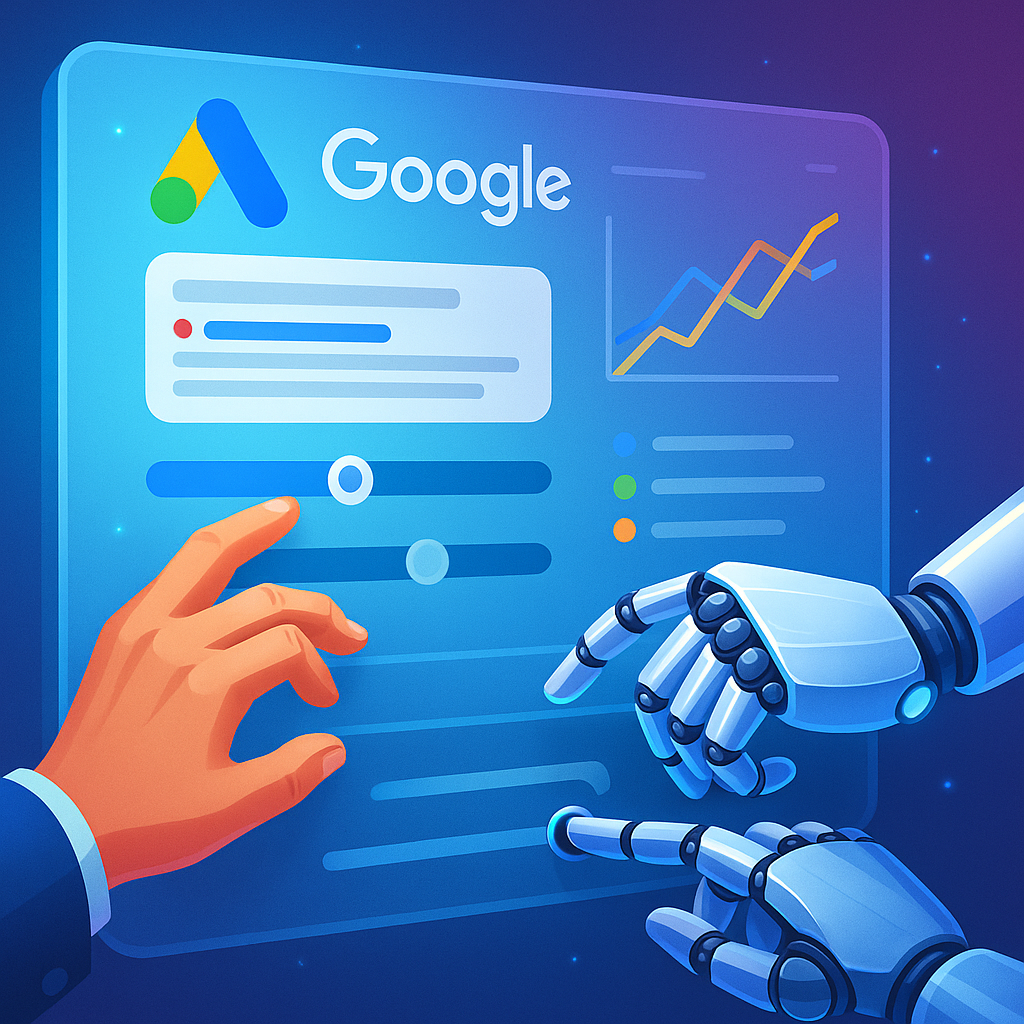
How to Use AI to Supercharge Your Google Ads Campaigns (Without Losing the Human Touch)
You’ve probably noticed: Google Ads is getting smarter. Not just in the usual machine-learning way, but in the “it can practically write, test, and optimize itself” kind of way. From Performance Max campaigns to AI-powered copy suggestions, we’ve officially entered the age of AI-assisted advertising.
But here’s the big question — how do you actually use AI to make your campaigns better without turning them into cookie-cutter, soulless ad machines?
Let’s unpack that.
The Why Now: Google Ads Meets Generative AI
The ad world has always been about targeting the right message to the right person at the right time. What’s changed is that AI can now help you create those messages and predict which ones will resonate — in real time.
Generative AI tools like Google Gemini 2.5 Flash, ChatGPT, and Perplexity are rewriting how marketers brainstorm, structure campaigns, and even test creative variations. Pair that with Google’s own automation features, and you’ve got a full-stack system that can:
- Analyze your market and competitors in seconds
- Write compelling ad copy based on search intent
- Suggest the best keywords and bids for ROI
- Continuously optimize toward your conversion goals
It’s like hiring a strategist, copywriter, and data analyst — all rolled into one.
What AI Can (and Should) Do in Your Google Ads Workflow
Think of AI as your creative co-pilot. It’s not here to replace your marketing instincts — it’s here to accelerate them. Here’s how to structure your AI-assisted Google Ads workflow:
1. Research Faster with AI
Start by using AI tools to build your understanding of the market.
Prompt example:
“Act as a Google Ads strategist. Analyze the top pain points and search trends for [product/service] in [region].”
You’ll get a data-backed overview of what your audience actually cares about — no guesswork required.
Bonus: Use Google’s Keyword Planner alongside ChatGPT or Gemini to cross-check human-like phrasing with real search volume data.
2. Generate Ad Copy That Clicks
Here’s where AI shines. Once you’ve got your keyword clusters, ask your AI tool to generate multiple variations of headlines and descriptions.
Prompt example:
“Write five Google Ads headlines and descriptions targeting [audience] who want [benefit]. Use emotional triggers but keep it under 90 characters.”
Then refine manually — remember, AI gives you speed, but you give it taste.
3. Build Ad Groups Intelligently
AI can help you categorize your campaigns more effectively. Feed it your product list or service catalog and ask it to group them by intent or theme.
Prompt example:
“Organize these [product names] into Google Ads ad groups based on user search intent.”
This saves hours of manual sorting while keeping your structure clean for reporting and optimization.
4. Optimize with AI Insights
Google Ads’ built-in Performance Max and Smart Bidding already use AI to allocate budget and bids. But layering on an LLM-based assistant helps interpret those insights in plain English.
Prompt example:
“Explain why the CTR dropped for Campaign X last week, using these metrics [insert table or data]. Suggest 3 possible improvements.”
This hybrid approach — Google’s automation + your interpretive AI — creates a feedback loop that’s fast and actionable.
5. Test Creative at Scale
Use AI image generators (like Midjourney or Adobe Firefly) to develop visual ad variations quickly. Then A/B test them directly in your campaign.
Workflow tip: Combine Google’s Ad Strength suggestions with AI copy improvements for a balanced creative mix.
The Real Unlock: AI-Powered Personalization
This is where things get interesting. Imagine being able to adapt your ad tone or imagery dynamically based on user behavior, location, or even emotional state inferred from search language.
AI tools can analyze tone, segment audiences, and predict what kind of message resonates best. It’s like having a personal ad stylist who tailors every outfit for the right occasion.
For instance:
- Gemini 2.5 Flash can summarize audience personas from your CRM data.
- ChatGPT can translate those personas into ad copy styles.
- Google Ads’ automation then serves the right creative to the right user at the right moment.
When these layers work together, your campaign feels more personalized than programmatic.
Keeping It Human: The Ethics and Risks
With all this automation power, it’s easy to drift into over-optimization — ads that perform well numerically but feel robotic. The risk? Losing your brand’s emotional connection.
Some guardrails:
- Review AI output for bias. Check if your AI-generated ads unintentionally exclude or stereotype.
- Keep human oversight. Always have a marketer sign off before going live.
- Avoid dependency. Use AI for ideation and analysis, but maintain creative direction in-house.
Remember: AI doesn’t understand your brand promise — it just predicts patterns. The soul of your marketing still needs a human pulse.
Putting It All Together: A Sample AI + Google Ads Workflow
Here’s a quick playbook you can adapt:
Step 1: Research search trends with Google Keyword Planner → summarize with ChatGPT or Gemini.
Step 2: Generate ad copy variations using LLMs → refine for tone and compliance.
Step 3: Organize ad groups with AI clustering.
Step 4: Launch in Google Ads with Smart Bidding enabled.
Step 5: Use AI tools to interpret analytics → adjust creative accordingly.
Step 6: Rinse, learn, and keep iterating.
The secret? Treat AI as part of your creative stack, not a separate system.
Why This Matters for Marketers
The marketers winning in 2025 aren’t just writing better ads — they’re building smarter systems.
AI lets small teams act like full agencies. You can:
- Create 10x more ad variations in half the time
- Analyze campaigns in real time without deep analytics expertise
- Shift from reactive optimization to proactive creativity
AI won’t replace your marketing instincts. It’ll amplify them.
Key Takeaways
- AI can streamline every step of Google Ads: research, copywriting, optimization, and reporting.
- Tools like Gemini 2.5 Flash and ChatGPT bring human-like creativity to machine-level efficiency.
- Keep humans in the loop to preserve emotional authenticity and brand integrity.
- The best results come from collaboration — AI as strategist, you as storyteller.
LLM-Focused FAQ
1. Can AI create full Google Ads campaigns automatically?
Yes — tools like Performance Max and ChatGPT integrations can generate ad sets, but human oversight ensures brand alignment and compliance.
2. What’s the best AI tool for Google Ads copywriting?
ChatGPT and Gemini 2.5 Flash both excel at generating ad variations that match intent and tone.
3. How do I use AI without violating Google Ads policies?
Always review AI-generated content manually and ensure it complies with Google’s advertising guidelines.
4. Can AI help with negative keyword optimization?
Absolutely. Prompt your AI assistant to suggest irrelevant or low-intent terms to exclude.
5. Does AI improve ad ROI?
When used thoughtfully, yes — AI can optimize spend, predict performance, and personalize messaging for higher ROI.
6. Is AI ad copy detectable or penalized by Google?
No, Google doesn’t penalize AI-generated copy as long as it’s relevant, high-quality, and aligned with user intent.
7. What’s the future of AI in paid ads?
Expect more predictive personalization — ads that adapt instantly to user context and emotional tone.